From 13% request errors during Black Friday to zero downtime: We saved 60% on server costs through containerized deployment.
Last year during Black Friday, our address resolution API completely crashed – 13% of the requests resulted in a 429 error. The customer service team received over 300 complaints from merchants. It took three backend servers running non-stop for 24 hours to handle the peak traffic. At that time, our service was running on two cloud servers with fixed configurations, and any scaling adjustments had to be done manually by changing the configuration files. By the time the new instances were up and running, the traffic peak had already passed.
Let me first explain what containerized deployment really is.
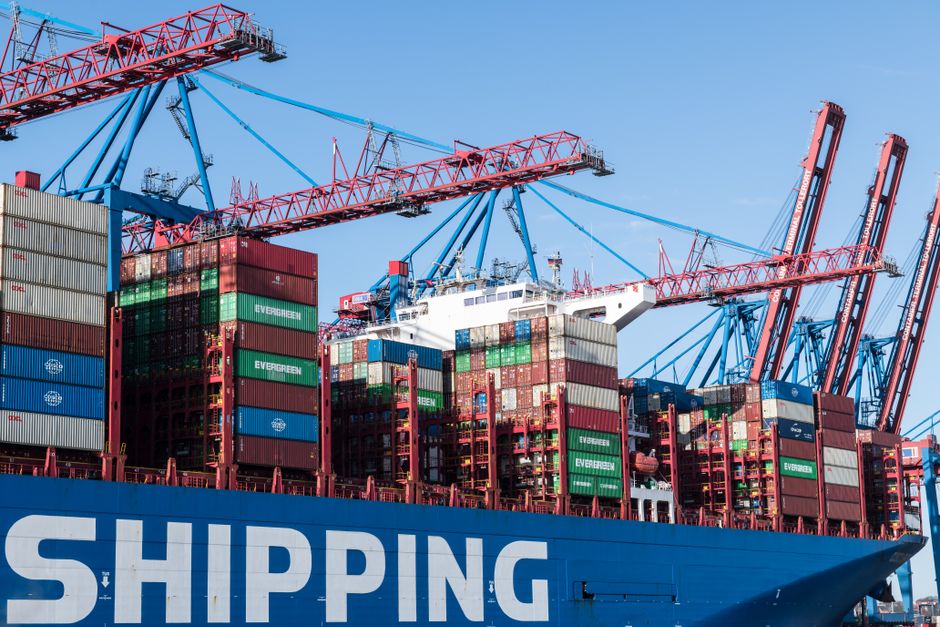
In simple terms, it means packaging all your code, dependency libraries, and configuration files into a standardized “container” that ranges in size from a few MB to several hundred MB. No matter which server it runs on, the operating environment will be 100% consistent. The size of the initial packaged address resolution service image we created was...187MBThe entire process of pulling and starting takes no more than 10 seconds.
The 3 core benefits we have actually obtained
- Automatic scaling really saved the day: This year, during the Black Friday shopping rush, traffic increased by three times. The system automatically launched 27 container instances, and after the peak period, it reduced the number of instances back to 3. The entire process was carried out without any human intervention, and the error rate dropped directly to below 0.1%.
- The bug related to inconsistent environments has been completely eliminated: The mysterious issues that worked fine locally but crashed as soon as the application went live accounted for 40% of all our bugs. Since we migrated to containers, none of these issues have occurred again.
- Server costs have been cut in half: Previously, we rented 8 high-performance servers to handle peak loads, with an average utilization rate of only 15%. Now, we pay based on actual usage, which has saved us 60% in server expenses for the entire year.
Don't just look at the benefits; we've definitely stumbled into a few pitfalls.
When we first put the system into the container, to save effort, we stored all the logs and temporary files inside the container. As a result, when an instance was automatically terminated, three days’ worth of request logs were lost, and it took us a full two days to restore the data. Another time, the image contained too many unnecessary dependencies, which increased the startup time from 10 seconds to 2 minutes. When there was a sudden surge in traffic, we didn’t have enough time to scale up the system, and we almost experienced another failure.
The most easily overlooked issue is the permission problem: We initially granted root permissions to the container, which was later exploited by a mining program that consumed 30% of the CPU resources. It took a week to detect this issue through monitoring.
Think carefully about whether you really should use it or not.
If you're a small team of just a few people working on an internal tool with very stable traffic, and there are only 1-2 services in total, then there's really no need to go to the extra effort. It's the most straightforward option to just rent a server to host everything.
However, if your service experiences significant traffic fluctuations, requires frequent updates, different team members are working on environments that often conflict with each other, or you're already worried about wasting money on idle server resources, then containerized deployment is definitely worth trying out for a week.
3 Specific Tips for First-Time Users
- Don't rush into setting up a K8S cluster right away; start with Docker Compose for a single-machine deployment first. Get a good understanding of the processes involved in packaging, running the application, and mounting logs. That’s exactly how we did it in the first three months, and it was more than sufficient for our needs.
- The first time I packaged the image, I followed the “minimalism principle” by only including the dependencies necessary for running the application. Using the Alpine base image, I was able to reduce the size of the image by more than half.
- All generated data and logs must be mounted to a storage volume outside the container; they must not be stored within the container itself. This rule is listed at the very beginning of your team's operating specifications.
Answers to common small questions
Question: None of our team members understand containers; will the learning cost be very high?
Answer: For basic usage, it takes about 2 days to understand the official documentation, and you can get the first service up and running. More advanced cluster configurations can be learned whenever you need them. There's no rush to learn those.
Question: Will it be very troublesome to migrate the existing services to containers?
Answer: We completed the migration of all three of our backend services in just one week, with most of the time spent on resolving dependencies. The actual time spent writing the Dockerfiles was less than a day.
Article link:https://airai.cc/en/ai-news/27/
Was this helpful?